EPFL logo DII-I Service de Gestion et d'Intendance - Reprographie Bandeau Bandeau

français | english
EPFL > Administration Services > DII > DII-I > Repro home english

Repro EPFL - Visuel Home Page

Digital printer: Xerox Docutech 6180
Create, generate and transmit us your pdf files
Digital printer: Fiery_S300
Print directly from your own computer
High quantity printings - Computer to plate
For PrePress: make an appointment
Create your business cards on-line
How to proceed ? How to use the application ?
Posters: ink jet - large size printer
Create, generate and transmit us your pdf files
Copies from your paper documents
(No file required) Minimum quantities - Timing
Finishing - Inserts and mailing labels
Possibilities - How to ? - Timing
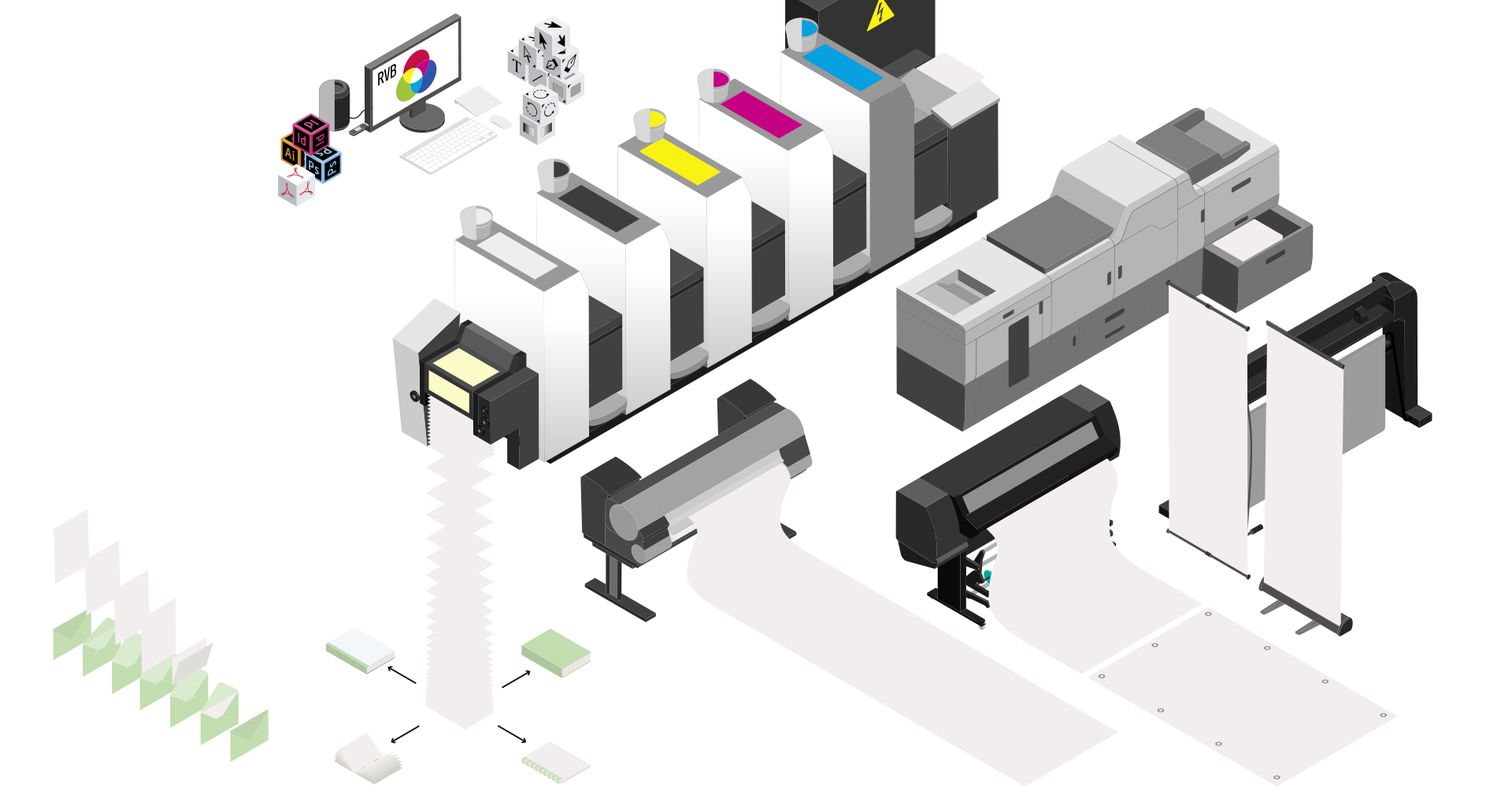
Repro EPFL - Visuel Home Page

Download and save the Repro order form (save as... > your desktop) and fill them with Acrobat Standard or Prof. (allows recording of your data) in order to transmit it electronically or by internal post office. For Mac users : don't use Apple's Preview, it's incompatible to fill our order form (Acrobat full can only do).


Digital printing: how to create a Reprography-compatible PDF document: generate .PS file and convert it to a .PDF file

Poster info: how to make a «good» poster ?
Repro server: choose sharing and login

Business cards online: how to proceed ?
Compliment cards: how to proceed ?

DTP-PrePress: color manag. profils for Adobe Software


EPFL Map 2010-2011 for printing use
EPFL logo and Corporate Identity for printing use


Adress & info : DII-I - REPRO EPFL - Where to find us ?
BP 0.243 (Batiment Polyvalent)
STATION 16 - CH-1015 Lausanne - Contact Repro
08:30 - 11:00
13:30 - 16:00
Friday closed at 15:00
Contact Repro Staff

Update: 4/1/12